
Our mobile gadgets have become an integral part of our lives. From smartphones to tablets, these devices have revolutionized the way we communicate, work, and entertain ourselves. However, with their constant use and the rapid advancements in technology, it is important to take steps to ensure that our mobile gadgets last longer. In this article, we will discuss some tips on how to extend the lifespan of your mobile gadgets.
Protective Cases and Screen Protectors
One of the simplest ways to extend the lifespan of your mobile gadgets is to invest in a good quality protective case and a screen protector. These accessories provide an extra layer of protection against accidental drops, scratches, and spills. With a protective case and a screen protector, you can minimize the chances of damaging your device and increase its durability.
Regular Cleaning
Regular cleaning is essential to keep your mobile gadgets in good condition. Dust, dirt, and grime can accumulate over time, affecting the performance and longevity of your device. Use a microfiber cloth to wipe the screen and the body of your device regularly. Avoid using harsh chemicals or abrasive materials that can damage the surface. By keeping your mobile gadgets clean, you can prevent dirt from getting into the ports and buttons, ensuring smooth operation and prolonging its lifespan.
Battery Care
The battery is one of the most crucial components of any mobile gadget. To extend its lifespan, it is important to take care of the battery. Avoid letting your device’s battery drain completely before charging it. Instead, aim to keep the battery level between 20% and 80% as much as possible. Overcharging or allowing the battery to drain completely can affect its longevity. Additionally, avoid exposing your device to extreme temperatures, as it can also impact the battery’s performance.
Software Updates
Regularly updating the software on your mobile gadgets is another way to ensure their longevity. Software updates often include bug fixes, security patches, and performance enhancements. These updates can improve the overall functionality of your device and address any issues that may be affecting its performance. By keeping your device up to date, you can ensure that it remains optimized and in good working condition for a longer period of time.
Avoid Overheating
Overheating can be detrimental to the lifespan of your mobile gadgets. Excessive heat can cause internal components to malfunction or even fail. To prevent overheating, avoid exposing your device to direct sunlight for extended periods. Additionally, avoid using your device while it is charging, as this can generate heat. If you notice that your device is getting too hot, give it a break and allow it to cool down before using it again.
Proper Storage
Proper storage is important to protect your mobile gadgets from physical damage. When not in use, store your devices in a cool and dry place. Avoid leaving them in areas exposed to extreme temperatures or humidity, as these conditions can damage the internal components. If you are not using your device for an extended period, consider removing the battery to prevent any potential damage caused by battery leakage.
Conclusion
Our mobile gadgets play a significant role in our daily lives, and it is important to take steps to extend their lifespan. By investing in protective cases and screen protectors, regularly cleaning your devices, taking care of the battery, updating the software, avoiding overheating, and storing them properly, you can ensure that your mobile gadgets last longer. With these simple tips, you can enjoy the full functionality of your devices for years to come.
Why Mobile Gadgets Wear Out
Understanding what shortens the life of your devices helps you avoid unnecessary damage.
The most common causes include:
- Frequent drops and impacts
- Battery degradation
- Excessive heat
- Moisture exposure
- Dust accumulation
- Low-quality charging accessories
- Full storage
- Outdated software
- Heavy background app usage
Many of these issues can be prevented with proper maintenance.
Use High-quality Chargers and Cables
Cheap charging accessories may save money initially but can damage your device over time.
Choose chargers and cables that:
- Meet the manufacturer’s specifications
- Include safety certifications
- Support proper charging speeds
- Protect against overheating and overvoltage
Damaged charging cables should be replaced immediately.
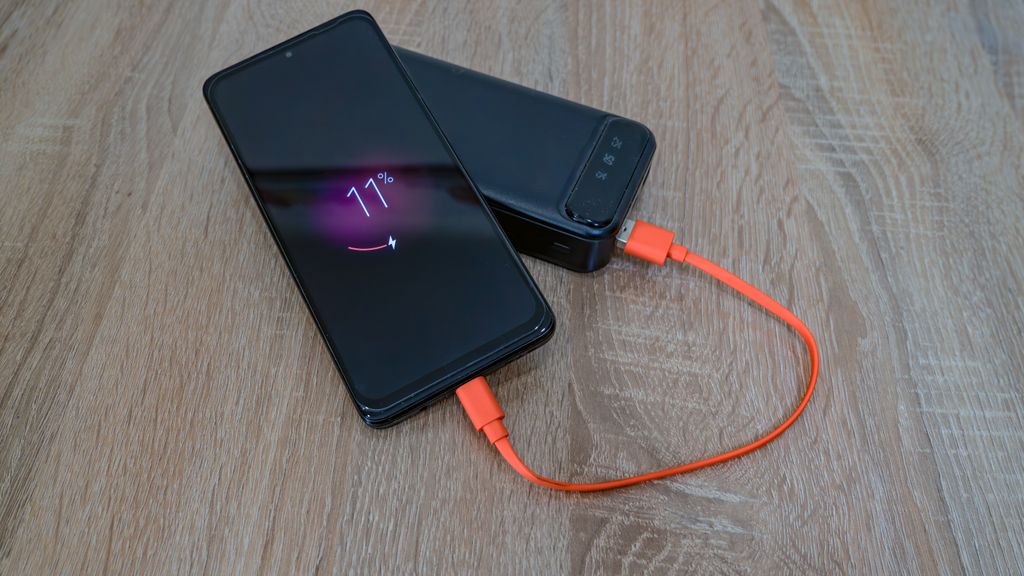
Avoid Constant Fast Charging
Fast charging is convenient but generates more heat than standard charging.
To maximize battery lifespan:
- Use fast charging only when necessary.
- Charge overnight with optimized charging features enabled.
- Remove thick phone cases if they trap excessive heat while charging.
- Avoid gaming or streaming while charging.
Reducing heat is one of the best ways to preserve battery health.
Keep Storage Space Available
A nearly full device often becomes slower.
Try to maintain at least 15–20% free storage by:
- Deleting unused apps
- Removing duplicate photos
- Clearing downloads
- Moving files to cloud storage
- Emptying the recycle bin or recently deleted folder
Free storage allows the operating system to function more efficiently.
Restart Your Device Regularly
Many users rarely restart their smartphones or tablets.
Restarting once every week can:
- Clear temporary memory
- Close background processes
- Improve performance
- Fix minor software glitches
This simple habit can noticeably improve device responsiveness.
Protect Your Device from Water and Dust
Even water-resistant devices have limitations.
Avoid:
- Charging a wet device
- Taking electronics into saunas
- Exposing devices to salt water
- Leaving gadgets in dusty environments
Regularly clean charging ports and speaker grilles with appropriate tools to prevent debris buildup.
Replace Worn Batteries Instead of Buying New Devices
A weak battery doesn’t always mean the entire device needs replacing.
If your phone still performs well but battery life has declined, replacing the battery can:
- Restore all-day battery life
- Improve performance
- Delay an expensive upgrade
- Reduce electronic waste
Battery replacement is often one of the most cost-effective repairs.
Use Device Care Features
Most modern smartphones include built-in maintenance tools.
These features can help:
- Monitor battery health
- Detect storage issues
- Optimize memory usage
- Remove unnecessary files
- Identify battery-draining apps
Running these tools periodically helps maintain peak performance.
Keep Apps Updated
Developers regularly release updates that improve:
- Performance
- Security
- Battery efficiency
- Compatibility
- Stability
Remove applications you no longer use to reduce background activity and save storage space.
Protect Your Data with Regular Backups
Maintaining your device isn’t only about hardware.
Back up important information using:
- Cloud storage
- External drives
- Computer backups
Regular backups protect photos, documents, and contacts if your device is lost, damaged, or replaced.
Repair Instead of Replace
Replacing an entire device isn’t always the most sustainable or affordable solution.
Many common problems are easily repairable:
- Battery replacement
- Screen replacement
- Charging port repair
- Camera repair
- Speaker replacement
Repairing a device often extends its life by several more years.
Environmental Benefits of Longer Device Lifespans
Using electronics for longer reduces environmental impact.
Extending the life of your gadgets helps:
- Reduce electronic waste
- Lower manufacturing emissions
- Conserve raw materials
- Reduce demand for new resources
Even adding one or two extra years to a device’s lifespan makes a measurable difference.
Common Mistakes That Shorten Device Life
Avoid these habits:
- Letting the battery reach 0% frequently.
- Leaving devices in hot cars.
- Using damaged charging cables.
- Ignoring software updates.
- Filling storage completely.
- Dropping devices without protective cases.
- Installing apps from untrusted sources.
- Never cleaning charging ports.
- Exposing devices to moisture.
Small daily habits have a significant impact on long-term reliability.
Final Thoughts
Modern smartphones and tablets are built to last for many years when properly maintained. Simple practices such as protecting the device from physical damage, maintaining battery health, installing software updates, managing storage, and repairing components instead of replacing the entire device can significantly extend its useful life.
A little preventive maintenance not only saves money but also improves performance, protects your data, and reduces electronic waste. Taking care of your mobile gadgets today can help you avoid unnecessary upgrades and enjoy reliable performance for years to come.
Are There Budget-friendly Tablets That Perform Well?
Frequently Asked Questions
How long should a smartphone last?
A quality smartphone typically lasts four to seven years with proper care and continued software support.
Is it bad to charge a phone overnight?
Modern devices manage overnight charging safely through battery optimization features, although keeping the phone cool is still important.
Should I replace my battery or buy a new phone?
If performance is still satisfactory, replacing the battery is often the more economical option.
How often should I restart my phone?
Restarting once a week helps clear temporary processes and maintain smooth performance.
Does deleting apps improve performance?
Removing unused applications frees storage, reduces background activity, and may improve battery life.