Gaming has become a popular pastime for many people, and with the rise of e-sports, the demand for high-performance gaming PCs has increased. However, the price tag on these machines can often be quite steep, leaving many gamers wondering if there are any affordable options available. In this article, we will explore whether there are affordable high-performance gaming PCs on the market.
The Cost of High-performance Gaming PCs
It’s no secret that high-performance gaming PCs can cost a pretty penny. With top-of-the-line components like powerful processors, high-end graphics cards, and ample amounts of RAM, these machines can easily reach prices upwards of several thousand dollars. For many gamers, this price point is simply out of reach.
Affordable Alternatives
While it may seem like high-performance gaming PCs are only reserved for those with deep pockets, there are actually some affordable alternatives available. One option is to build your own gaming PC. By purchasing individual components and assembling them yourself, you can often save a significant amount of money. There are countless online resources and communities that can help guide you through the process, making it accessible for even those with limited technical knowledge.
Another option is to purchase a pre-built gaming PC from a reputable manufacturer. While these machines may not offer the same level of customization as building your own, they often come with high-quality components and are designed specifically for gaming. Many manufacturers also offer budget-friendly options that still provide a decent level of performance.
Considerations when Choosing an Affordable Gaming PC
When looking for an affordable high-performance gaming PC, there are a few key considerations to keep in mind. Firstly, it’s important to determine what level of performance you require. If you’re an avid gamer who plays graphically demanding games, you’ll likely need a more powerful machine. However, if you mainly play less demanding games or are just getting started in the gaming world, a mid-range PC may be sufficient.
Another consideration is the upgradeability of the PC. Technology advances at a rapid pace, and it’s important to choose a machine that can be easily upgraded in the future. This will allow you to keep up with the latest games and ensure that your PC remains high-performance for years to come.
Lastly, it’s worth considering the warranty and customer support offered by the manufacturer. A gaming PC is a significant investment, and it’s important to have peace of mind knowing that you’ll be supported if any issues arise. Look for manufacturers that offer comprehensive warranties and responsive customer support.
Focus on Performance per Dollar
The most expensive gaming PC is not always the best value.
When shopping on a budget, compare systems based on performance per dollar rather than simply looking at the newest hardware. A slightly older graphics card or processor can often deliver excellent gaming performance while costing significantly less than the latest flagship components.
Balanced systems typically provide a better gaming experience than computers with one premium component paired with weaker supporting hardware.
Prioritize the Graphics Card
For most gamers, the graphics card (GPU) has the biggest impact on gaming performance.
If your budget is limited, allocate more of it to the GPU while choosing a capable mid-range processor.
A balanced gaming PC should include:
- A modern dedicated graphics card
- A multi-core processor
- At least 16 GB of RAM
- A fast NVMe SSD
- A reliable power supply
Overspending on the processor while compromising on graphics performance often results in lower frame rates.
Don’t Overspend on RAM
Many buyers assume that more memory always means better gaming performance.
For most modern games:
- 16 GB of RAM is sufficient for smooth gameplay.
- 32 GB is beneficial for streaming, content creation, or heavy multitasking.
- Larger amounts generally offer little advantage for gaming alone.
Investing the savings in a better graphics card often provides a greater improvement.
How to Find Reliable Cheap External Hard Drives?
SSD Storage Is Essential
A solid-state drive dramatically improves the overall gaming experience.
Compared with traditional hard drives, NVMe SSDs provide:
- Faster boot times
- Quicker game loading
- Faster updates
- Improved system responsiveness
Even budget gaming PCs should include an SSD as the primary storage device.
Refurbished and Open-Box PCs Can Offer Excellent Value
Buying refurbished or open-box gaming computers can significantly reduce costs.
Many reputable retailers inspect and test these systems before resale, and some include limited warranties.
This option is especially attractive for gamers looking to maximize performance within a fixed budget.
Pay Attention to Cooling
Affordable gaming PCs sometimes reduce costs by using basic cooling systems.
Good airflow helps maintain stable performance during long gaming sessions.
Look for systems with:
- Multiple case fans
- Well-ventilated cases
- Efficient CPU coolers
- Dust filters
- Clean cable management
Better cooling also contributes to quieter operation and longer component life.
Choose Upgrade-Friendly Components
A budget gaming PC should leave room for future improvements.
Features worth considering include:
- Additional RAM slots
- Extra SSD bays
- Spare PCIe expansion slots
- A quality power supply with extra capacity
- A motherboard supporting future CPU upgrades
These features make it easier to improve performance without replacing the entire system.
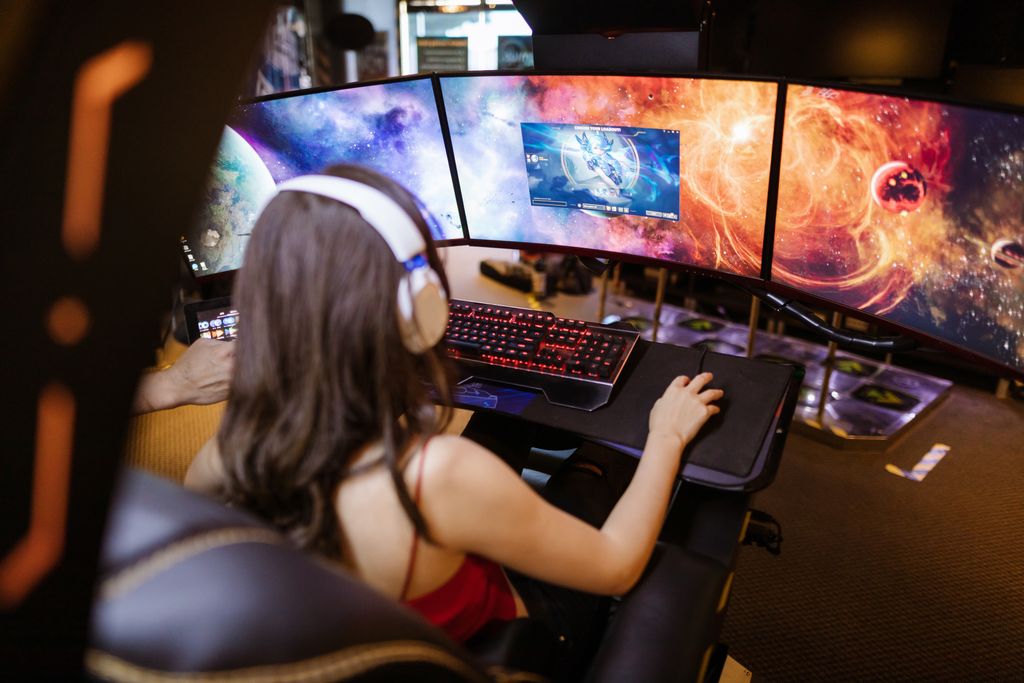
Don’t Ignore the Monitor
Even a powerful gaming PC cannot reach its full potential when paired with an outdated display.
A good gaming monitor should offer:
- Full HD or higher resolution
- High refresh rate
- Low response time
- Adaptive sync technology
- Accurate color reproduction
Upgrading your monitor can significantly improve the overall gaming experience.
Compare More Than Benchmark Scores
Synthetic benchmarks provide useful comparisons, but they do not always reflect real gameplay.
Reliable reviews should include:
- Average frame rates
- 1% low FPS results
- Performance across multiple games
- Noise levels
- Power consumption
- Temperature testing
These real-world measurements provide a better understanding of how a gaming PC performs during everyday use.
Common Budget Gaming PC Mistakes
Avoid these frequent buying mistakes:
- Buying more RGB lighting than performance.
- Choosing too little storage.
- Ignoring power supply quality.
- Purchasing proprietary systems with limited upgrade options.
- Focusing only on CPU specifications.
- Underestimating cooling requirements.
- Paying extra for unnecessary premium features.
Avoiding these mistakes helps maximize long-term value.
Example Budget Gaming Configurations
Entry-Level Gaming
Suitable for:
- Esports titles
- Indie games
- Casual gaming
Typical configuration:
- 16 GB RAM
- NVMe SSD
- Mid-range CPU
- Entry-level dedicated GPU
Mid-Range Gaming
Suitable for:
- AAA games
- High settings
- Streaming
Typical configuration:
- 16–32 GB RAM
- Faster GPU
- Larger SSD
- Improved cooling
High-Value Performance Build
Ideal for gamers seeking excellent long-term value.
Includes:
- Upgrade-friendly motherboard
- Quality power supply
- Efficient cooling
- Modern graphics card
- Expandable storage
Final Thoughts
Affordable gaming PCs have never offered better value than they do today. Thanks to competitive hardware, refurbished systems, and well-balanced prebuilt computers, it’s entirely possible to enjoy modern games without spending a fortune.
The key is to prioritize components that have the greatest impact on gaming performance, avoid unnecessary premium features, and choose systems that allow future upgrades. Whether you build your own PC or purchase a prebuilt model, careful planning will help you maximize performance while staying within your budget.
Frequently Asked Questions
How much should I spend on a budget gaming PC?
The ideal budget depends on your gaming goals, but many players can enjoy excellent Full HD gaming without purchasing a high-end flagship system.
Is it cheaper to build or buy a gaming PC?
Building your own computer often provides better value and greater flexibility, although competitive sales and refurbished prebuilt systems can sometimes be equally attractive.
How much RAM do I need for gaming?
For most modern games, 16 GB is sufficient. Users who stream, edit videos, or multitask extensively may benefit from 32 GB.
Is a gaming laptop better than a desktop?
Gaming desktops generally offer better performance, easier upgrades, and improved cooling, while laptops provide portability and convenience.
Should I buy refurbished gaming PCs?
Certified refurbished systems from reputable sellers can offer excellent value, especially when backed by a warranty and professional testing.